
Building Your Ultimate Gaming PC: A Comprehensive Guide
The world of gaming has evolved significantly over the years, and with it, the demand for custom-built gaming PCs has surged. Enthusiasts and casual gamers alike are now looking to create tailored setups that meet their specific gaming needs. This article aims to guide you through the essentials of building your own gaming PC, providing insights and tips to ensure you make informed decisions throughout the process.
Understanding Your Needs
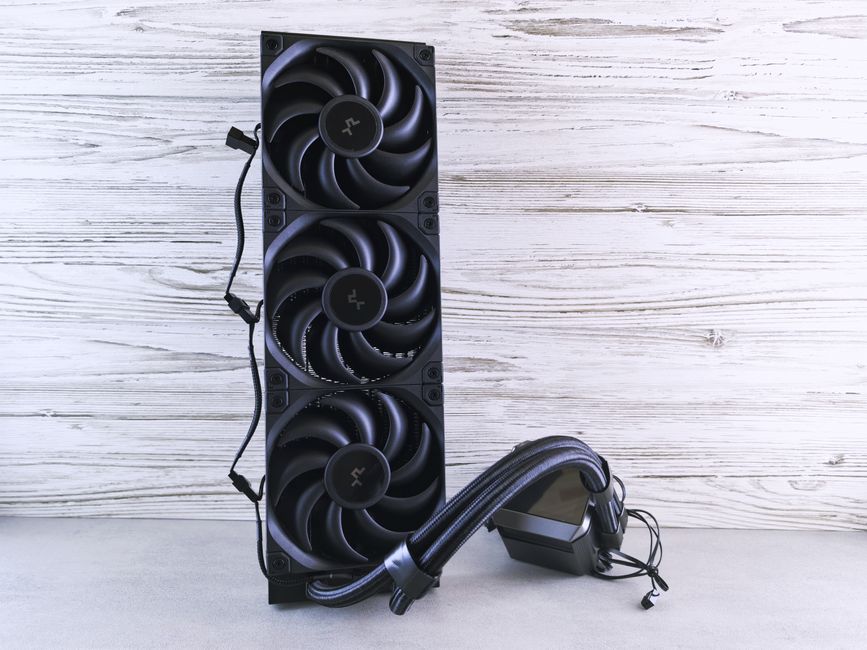
Before diving into the technical details, it’s crucial to assess your gaming requirements. Are you a casual gamer who enjoys less demanding titles, or do you prefer high-end games that require powerful hardware? Understanding your gaming habits will help you select the right components for your build. For instance, if you plan to play games like Call of Duty or Cyberpunk 2077, you’ll need a robust graphics card and processor.
Additionally, consider the resolution and refresh rate of your monitor. For 4K gaming, a high-end GPU is essential, while 1080p gaming could be handled by a mid-range card. Knowing what you need will guide you in selecting the right parts that fit your budget and performance expectations.
Choosing the Right Components
Building a gaming PC involves selecting several key components: the CPU, GPU, motherboard, RAM, storage, and power supply. Each of these parts plays a vital role in your PC’s overall performance. For example, the CPU (Central Processing Unit) is often referred to as the heart of your PC, affecting performance in many tasks including gaming.
When it comes to GPUs (Graphics Processing Units), brands like NVIDIA and AMD offer a wide range of options. It’s important to check benchmarks for the games you intend to play to see how different cards perform. Moreover, don’t forget about compatibility; ensure your motherboard supports the CPU and RAM you’ve chosen.
For storage, consider using an SSD (Solid State Drive) for faster load times, while a larger HDD (Hard Disk Drive) can provide additional space for games and files. Balancing speed and capacity will enhance your gaming experience.
Assembling Your Gaming PC
Once you have all your components, it’s time to assemble your gaming PC. This process can be daunting for first-timers, but with careful attention to detail, it can be straightforward. Start by installing the CPU and RAM onto the motherboard before placing it into the case. Make sure to apply thermal paste on the CPU before attaching the cooler.
Next, install the power supply, ensuring that all cables are properly routed to avoid obstruction. Attach the GPU last, as it is often the largest component. Once everything is connected, check that all cables are secure and that there are no loose connections. Finally, close the case and power on your system.
If you’re unsure about building your PC solo, consider resources like gaming PC builder websites that provide guides and community support to help you through the process.
Optimization and Testing
After building your PC, optimizing its performance is the next step. This includes installing the operating system, drivers, and any necessary software. Regularly updating your drivers is essential for maintaining optimal performance in your games.
Moreover, benchmarking your system can provide insights into how well it performs under various conditions. Tools like 3DMark and Cinebench can help you assess your PC’s capabilities and identify any potential bottlenecks.
Lastly, consider overclocking your CPU or GPU for enhanced performance, but proceed with caution and ensure adequate cooling. Monitor temperatures closely to avoid overheating.
Future-Proofing Your Build
Gaming technology evolves rapidly, so it’s wise to future-proof your gaming PC as much as possible. Opt for components that can be upgraded down the line, such as a motherboard with multiple RAM slots or a power supply with extra capacity. This way, you can easily swap out parts as new technologies emerge without needing a complete overhaul.
Additionally, staying informed about upcoming hardware releases and gaming trends will help you make strategic upgrades that can extend the life of your gaming rig.
Conclusion
Building a gaming PC can be a rewarding experience that allows you to customize your gaming setup to fit your needs. By understanding your requirements, choosing the right components, and following best assembly practices, you can create a powerful machine that will enhance your gaming experience. Remember to consider future-proofing strategies to ensure your PC remains relevant for years to come. With careful planning and execution, your dream gaming rig is well within reach.