
Building Your Dream Gaming PC: The Ultimate Guide
In the ever-evolving world of gaming, having the right setup can significantly enhance your experience. A custom-built gaming PC not only allows you to tailor your gaming experience to your preferences but also offers the flexibility to upgrade components as technology advances. This comprehensive guide will walk you through the essential steps of building your own gaming PC, ensuring you have all the knowledge needed to create a powerful machine.
Understanding Your Needs
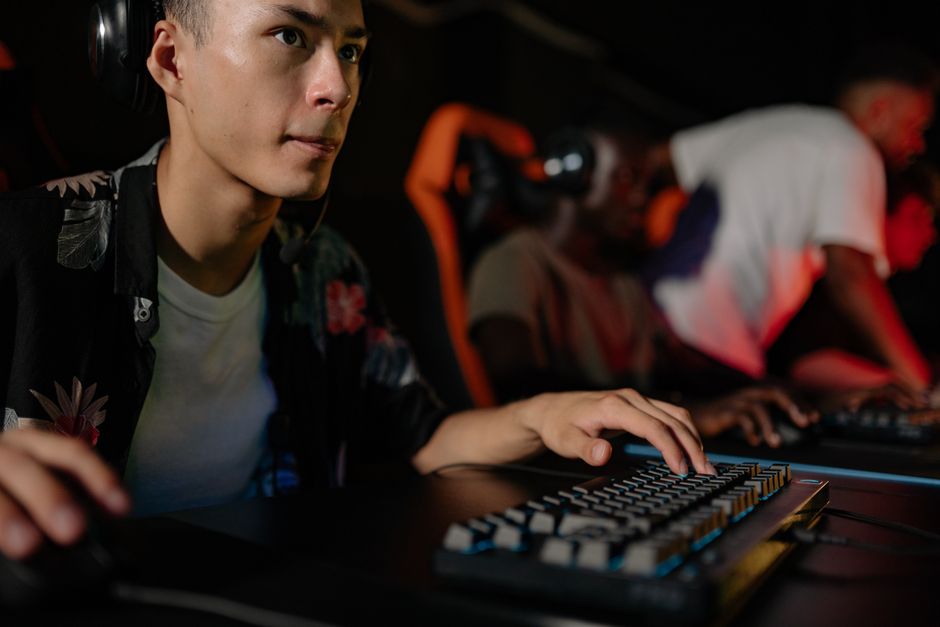
Before diving into the specifics of components, it’s crucial to understand what you need from your gaming PC. Are you a casual gamer, or do you play the latest AAA titles? Do you require high-resolution graphics, or is smooth gameplay more important to you? Assessing your gaming habits will help you make informed decisions about your build.
For instance, if you’re planning to play games such as Cyberpunk 2077 or Call of Duty: Warzone, you will need a system that can handle demanding graphics and processing power. On the other hand, if you’re more into indie games or older titles, a mid-range build may suffice. Knowing your gaming preferences sets the foundation for your build.
Selecting the Right Components
Once you have a clear understanding of your needs, it’s time to choose the components for your gaming PC. The primary components include the CPU, GPU, motherboard, RAM, storage, and power supply.
The CPU (Central Processing Unit) is often referred to as the brain of your computer. For gaming, you’ll want a high-performance CPU that can handle multiple tasks. Popular choices include AMD Ryzen and Intel Core processors. Pairing your CPU with a powerful GPU (Graphics Processing Unit) is equally important, as it directly impacts your gaming experience. NVIDIA and AMD offer a range of GPUs suitable for various budgets and performance levels.
In addition to the CPU and GPU, the motherboard is vital for compatibility with other components. Ensure that the motherboard supports the CPU and has enough slots for RAM and storage. Speaking of RAM, having at least 16GB is recommended for gaming, with 32GB being ideal for future-proofing.
Building the PC: A Step-by-Step Guide
With your components ready, it’s time to assemble your gaming PC. Start by preparing your workspace with ample lighting and all necessary tools. Follow these steps for a successful build:
1. **Install the CPU**: Carefully place the CPU into the motherboard’s socket, aligning it as per the manufacturer’s instructions.
2. **Add RAM**: Insert the RAM sticks into the appropriate slots on the motherboard, ensuring they click into place securely.
3. **Mount the motherboard**: Secure the motherboard inside the case, using the provided screws and standoffs.
4. **Install the GPU**: Slot the GPU into the designated PCIe slot on the motherboard, ensuring it’s firmly seated.
5. **Connect storage devices**: Install your SSDs or HDDs and connect them to the motherboard using the SATA cables.
6. **Power it up**: Finally, connect the power supply to all components and ensure everything is powered correctly.
Testing and Optimizing Your Build
Once your gaming PC is assembled, it’s time to power it on and test the system. During the initial boot, enter the BIOS to ensure all components are recognized and functioning correctly. It’s essential to monitor temperatures and performance metrics to ensure everything is running smoothly.
You may also want to install software to optimize your gaming experience. Tools like MSI Afterburner can help you monitor GPU performance, while applications like GeForce Experience can optimize game settings automatically based on your hardware.
Furthermore, don’t forget to keep your drivers updated. Regular updates can significantly improve performance and stability, especially with new game releases.
Future-Proofing Your Gaming PC
As technology advances, ensuring that your gaming PC remains relevant is crucial. One of the best ways to future-proof your build is by selecting components that allow for upgrades down the line. For instance, opting for a motherboard with extra RAM slots or a power supply with more wattage can make it easier to upgrade components as needed.
Additionally, staying informed about upcoming hardware releases can help you make decisions about when to upgrade. Websites like gaming PC builder can provide insights and comparisons to help you decide what components to invest in next.
In conclusion, building a gaming PC is not just about assembling parts; it’s about creating a tailored experience that suits your gaming needs. By understanding your requirements, choosing the right components, and following proper assembly techniques, you can build a powerful machine that will serve you well for years to come.