
Build Your Dream Gaming PC: A Comprehensive Guide
In the ever-evolving landscape of gaming, having the right hardware is essential for an optimal experience. For many gamers, building a custom gaming PC has become a rite of passage — a way to not only enhance performance but also to express individuality. This guide will walk you through the essential components and considerations for creating a powerful gaming rig tailored to your needs.
Understanding the Basics of PC Building
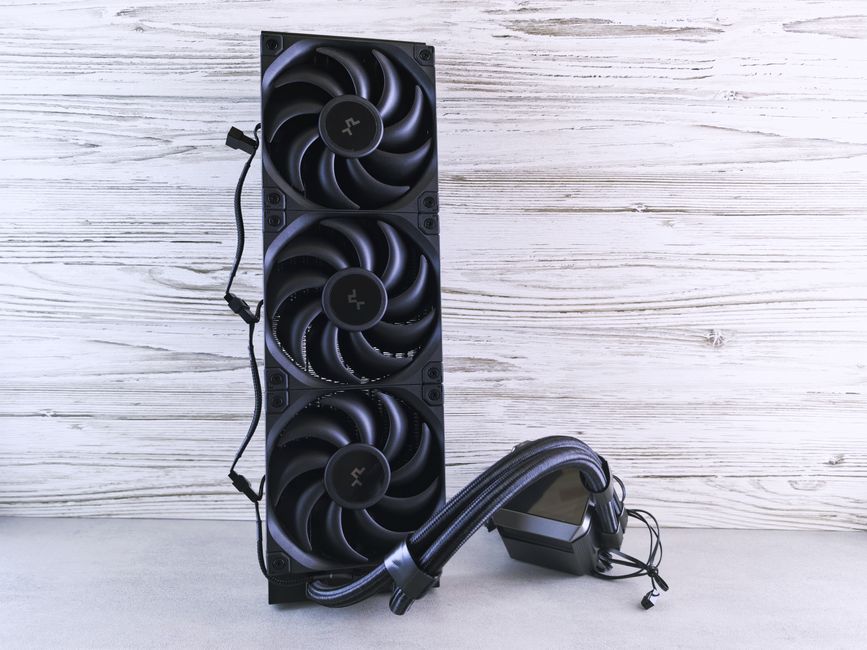
Before diving into specific components, it’s important to grasp the fundamentals of PC building. At its core, a gaming PC consists of several key parts: the CPU, GPU, motherboard, RAM, storage, and power supply. Each component plays a crucial role in overall performance and compatibility.
The CPU, or central processing unit, acts as the brain of your computer, executing instructions and managing tasks. For gaming, a high-performance CPU is crucial as it impacts frame rates and load times. The GPU, or graphics processing unit, is equally important; it handles rendering graphics and can significantly affect visual quality and performance. When choosing your components, ensure they are compatible and suited for your gaming needs.
Choosing the Right Components
When selecting components for your gaming PC, consider your budget and the types of games you play. For instance, if you’re into high-end gaming or VR experiences, investing in a powerful GPU like NVIDIA’s latest RTX series or AMD’s Radeon RX line is advisable. These GPUs offer superior performance and support for ray tracing, enhancing visual fidelity.
Equally important is the choice of CPU. Popular options include AMD’s Ryzen series and Intel’s Core i7 and i9 processors. These CPUs are known for their high clock speeds and multiple cores, providing excellent multitasking capabilities and gaming performance.
Don’t overlook the importance of RAM. For most gaming scenarios, 16GB is considered the sweet spot, offering enough memory for smooth gameplay and multitasking. Additionally, consider the speed of your RAM; higher frequencies can enhance performance, particularly in CPU-intensive games.
Building Your PC: Step-by-Step Instructions
Once you’ve gathered all your components, it’s time to put your gaming PC together. Start by preparing your workspace — a clean, static-free area is ideal. Begin with the motherboard; install the CPU and RAM before placing it into the case. Ensure you follow the manufacturer’s instructions for proper installation.
Next, install the power supply and connect all necessary cables. Afterward, add the GPU into the appropriate PCIe slot. Finally, connect your storage drives, whether SSDs or HDDs, ensuring they are securely mounted.
After assembly is complete, double-check all connections before powering on your new machine. Enter the BIOS to configure settings and ensure all components are recognized. Once confirmed, install your operating system and drivers to enjoy your newly built gaming PC.
Optimizing Your Gaming Experience
Once your gaming PC is up and running, it’s time to optimize it for the best performance. Start by ensuring your drivers are up to date. This can significantly impact performance, especially for your GPU. Additionally, consider installing software that monitors your system’s temperatures and performance metrics for real-time feedback.
Overclocking is another method to enhance performance, but it requires careful consideration and understanding of your components’ limits. If you choose to overclock, ensure you have adequate cooling solutions to prevent overheating.
Lastly, don’t forget about peripherals. A quality gaming monitor, keyboard, and mouse can elevate your gaming experience. Look for monitors with high refresh rates and low response times to complement your powerful gaming rig.
Resources for the Aspiring PC Builder
For those new to PC building, various online resources can guide you. Websites like gaming PC builder offer tools for compatibility checks and price comparisons, making the building process more accessible. Additionally, forums and YouTube channels provide tutorials and tips from experienced builders.
Engaging with the community can also provide invaluable insights. Many enthusiasts share their builds and experiences, offering advice on choosing components and troubleshooting issues. Don’t hesitate to reach out and ask questions as you embark on your building journey.
Conclusion
Building a gaming PC can be a rewarding experience, allowing you to tailor your rig to meet your specific gaming needs. By understanding the components, following a structured building process, and optimizing your setup, you can create a powerful gaming machine that provides hours of enjoyment. Whether you’re a seasoned gamer or a newcomer, the world of PC building offers endless possibilities for customization and performance enhancement.