
Build Your Ultimate Gaming PC: A Comprehensive Guide
In the ever-evolving world of technology, building your own gaming PC has become a rewarding endeavor for many enthusiasts. Whether you are a casual gamer or a hardcore enthusiast, having a custom-built PC can significantly enhance your gaming experience. This guide will walk you through the essential components and considerations necessary for creating the perfect gaming rig tailored to your personal needs.
Understanding Your Gaming Needs
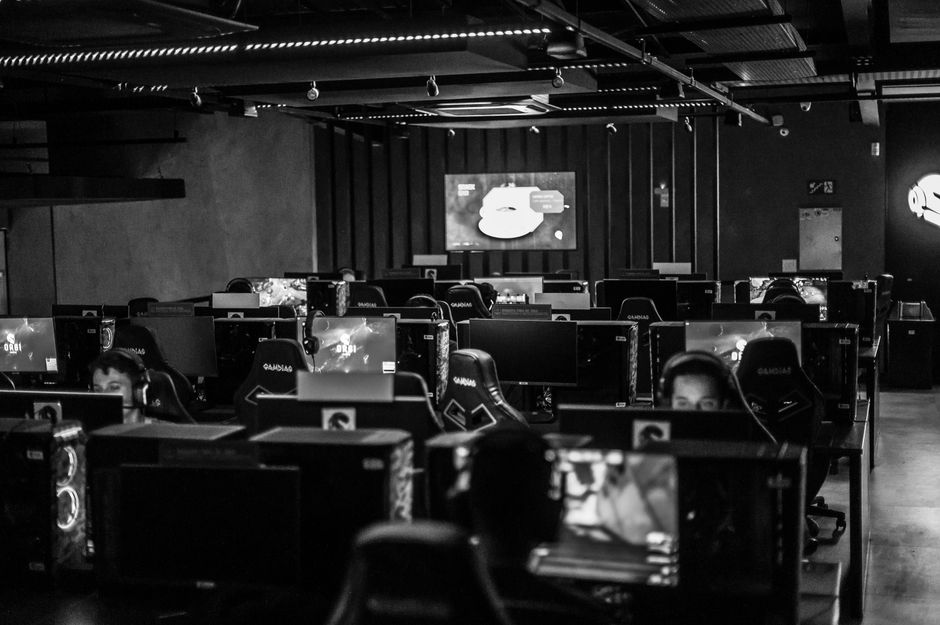
Before diving into the technical aspects of building a gaming PC, it’s crucial to assess your gaming needs. Are you looking to play the latest AAA titles at maximum settings, or are you more interested in casual gaming? Understanding your requirements will help you select the right components that fit your budget and performance expectations.
For instance, if your primary interest lies in playing competitive online games, you may want to prioritize components that offer high frame rates and low latency. On the other hand, if you are an avid fan of single-player games with rich graphics, investing in a powerful graphics card and a high-resolution monitor should be your focus.
Choosing the Right Components
Once you have a clear understanding of your gaming needs, it’s time to select the components that will make up your gaming PC. The primary elements include the CPU, GPU, RAM, motherboard, storage, and power supply. Each of these components plays a significant role in your system’s overall performance.
The CPU (Central Processing Unit) is often referred to as the brain of your PC. For gaming, a multi-core processor is recommended to handle the demands of modern games efficiently. Brands like Intel and AMD offer various options suitable for different budgets.
The GPU (Graphics Processing Unit) is arguably the most critical component for gaming performance. A high-end graphics card can drastically improve your gaming experience by providing better graphics and higher frame rates. Be sure to consider the latest models from NVIDIA and AMD, as they continuously release new products that push the boundaries of gaming performance.
RAM (Random Access Memory) is also essential, as it affects how many tasks your PC can handle simultaneously. For gaming, 16GB is generally considered the sweet spot, but 32GB may be preferable for those who multitask or engage in content creation alongside gaming.
Building Your PC: Step-by-Step
After selecting your components, the next step is to put everything together. Building a PC can be intimidating for beginners, but following a step-by-step process can simplify the task. Start by preparing your workspace and ensuring you have the necessary tools, such as a screwdriver and anti-static wristband.
Begin by installing the CPU onto the motherboard, followed by the RAM. Next, mount the motherboard inside the case, securing it with screws. Afterward, install the power supply and route the necessary cables for power. Finally, install the GPU and any storage devices, ensuring all connections are secure.
Once everything is assembled, it’s time to power on your system for the first time. Enter the BIOS to check if all components are recognized and configure any necessary settings before installing your operating system.
Optimizing Your Gaming Experience
After building your gaming PC, optimizing it for the best gaming experience is essential. This includes installing the latest drivers for your hardware, adjusting settings in your games for optimal performance, and ensuring proper cooling within your case.
Regularly updating your GPU drivers can significantly enhance performance and stability in new games. Additionally, consider using performance monitoring software to keep an eye on your system’s temperatures and frame rates during gameplay.
Lastly, remember that maintaining your PC is crucial. Dust can accumulate inside your case and affect cooling efficiency, so regular cleaning is recommended. Also, consider upgrading components over time to keep up with the latest gaming trends.
Resources for Building Your Gaming PC
There are numerous resources available online to assist you in your gaming PC building journey. Websites like gaming PC builder provide guides, community forums, and build recommendations that can be incredibly helpful. Engaging with communities on platforms like Reddit or specific gaming forums can also provide valuable insights and tips from experienced builders.
Additionally, many YouTube channels offer visual guides that walk you through each step of the building process. Watching these videos can give you a clearer understanding of the assembly process and troubleshooting common issues.
Conclusion
Building your own gaming PC can be a fulfilling experience that not only enhances your gaming sessions but also provides a sense of accomplishment. By understanding your gaming needs, selecting the right components, and following a structured building process, you can create a powerful machine that caters to your specific gaming preferences. Don’t hesitate to seek advice and learn from the community, as the journey of building a gaming PC is as rewarding as the final product itself.